 Local Panel by Nesdzo
Every server you own,
one calm panel.
Local Panel connects to any server over SSH and gives you monitoring, one-click installations and a visual command builder — right from your Mac or PC. Nothing is installed on your servers, and your credentials never leave your device.
No subscription · No agents on your servers · Your keys stay on your device
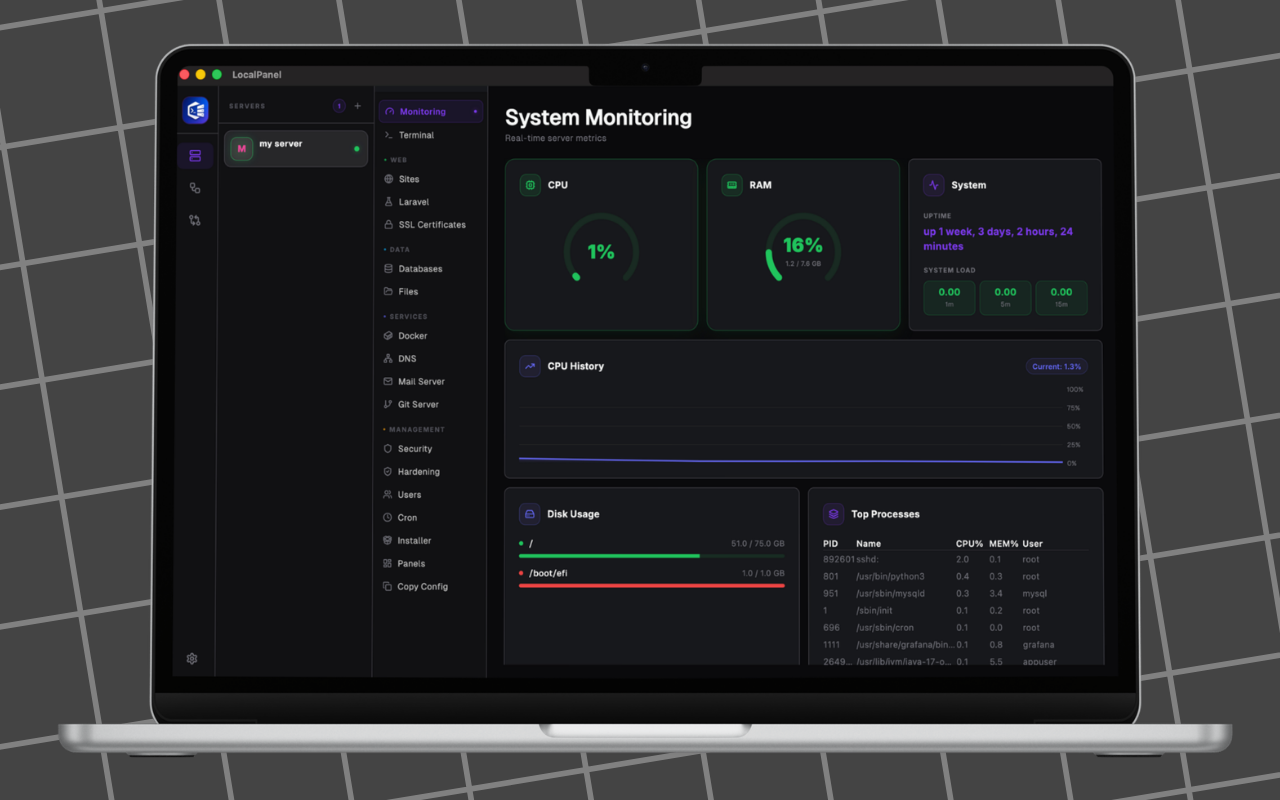
A proper panel, minus the bloat
The tools you reach for every day, designed for the desktop instead of the browser.
Visual command builder
Chain Start, Command, Variable and Delay nodes into reusable Bash workflows — no script wrangling, no copy-paste errors. Run them on any server with one click.
Live monitoring
CPU, memory, disk and services at a glance, for every server in your list.
One-click installs
Deploy PHP sites, configure nginx, manage databases and SSL certificates without touching a terminal.
Server Diff
Compare two servers side by side — packages, configuration and state — and see exactly what diverged.
Safe Share
Hand a colleague temporary access to a server with a one-time code. Revoke it whenever you like. No shared passwords, no leftover accounts.
Private by design
SSH keys and passwords live in your device's keychain, encrypted at OS level. We never see them.
Up and running in three steps
Download the app
Grab Local Panel from the App Store or Microsoft Store — or start free with Lite on macOS, Windows, Linux or the web.
Add a server
Enter the host, port and username, then authenticate with a password or private key. It's stored locally, encrypted by your OS.
Connect and manage
Hit Connect. Monitor, install, deploy and automate — the quick start guide walks you through it in five minutes.
See it in action
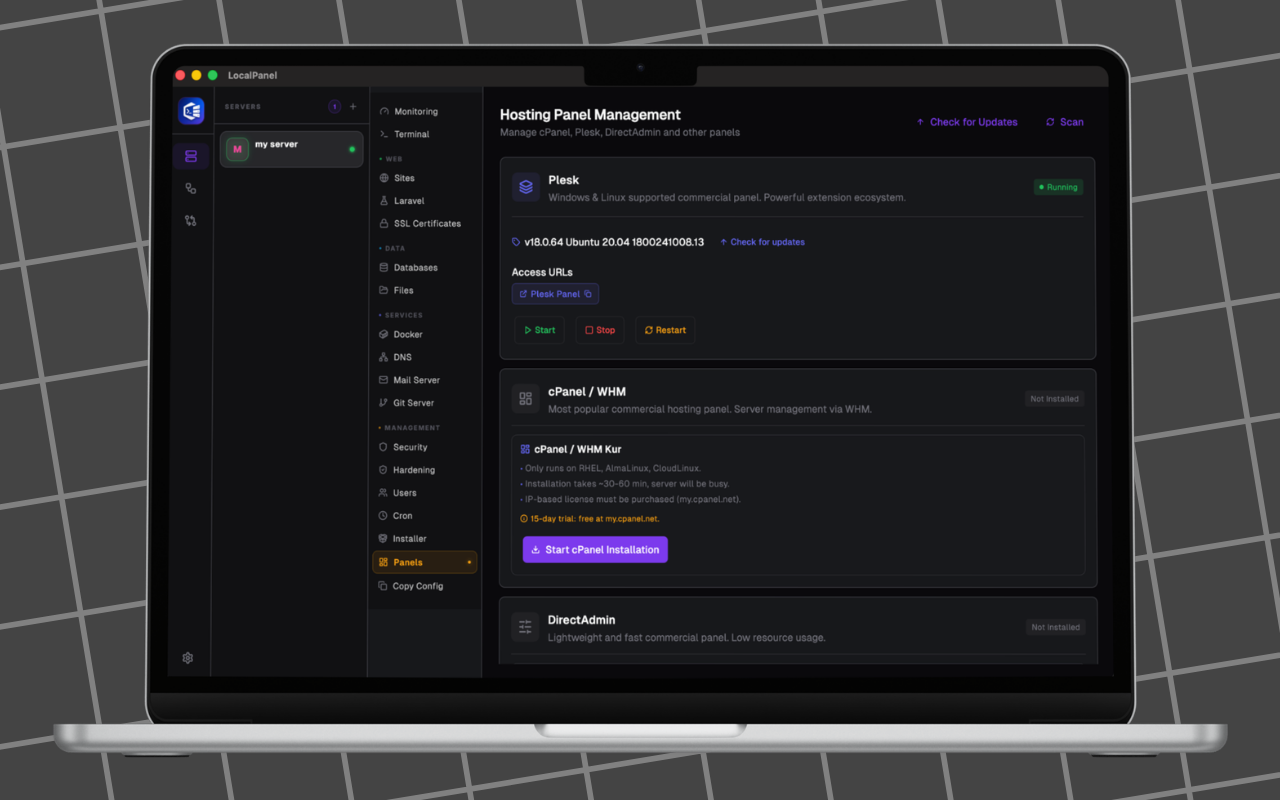
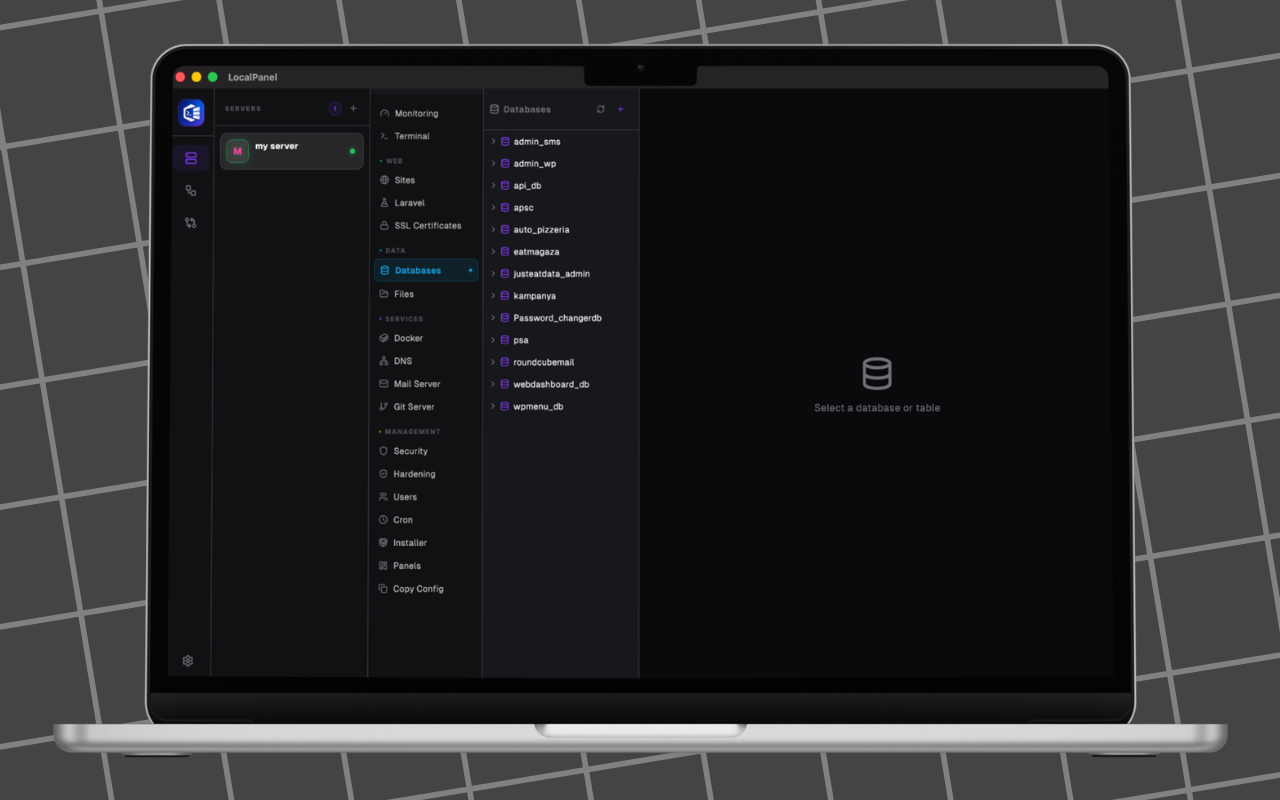
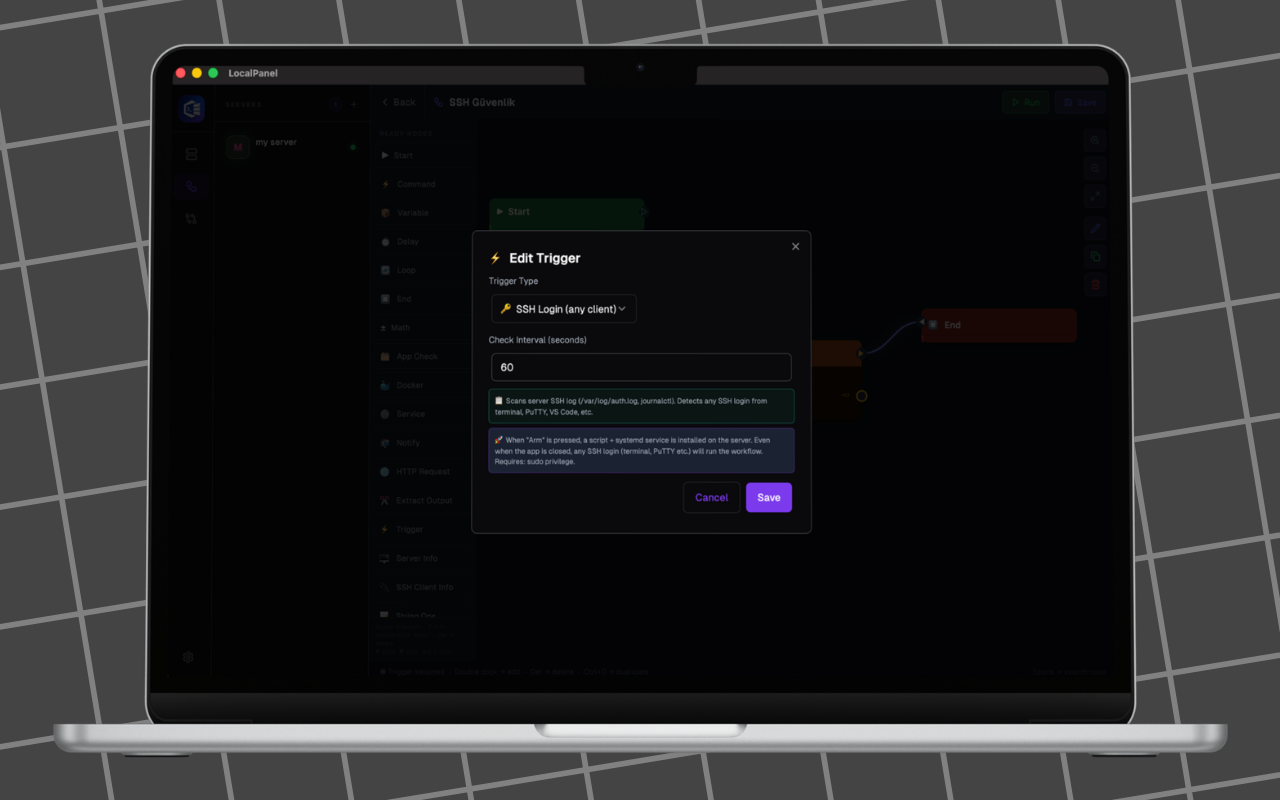
Not sure yet? Start with Lite.
Local Panel Lite is free forever — same secure, local-first philosophy, lighter feature set. Available free for macOS, Windows and Linux.
Get Local Panel £59.99 one-off
One payment, yours forever. Available now for macOS and Windows.


On Linux, or not ready to buy? Local Panel Lite has you covered — free.
Frequently asked
What is Local Panel?
Local Panel is a desktop application for macOS, Windows and Linux that lets you monitor, manage and run one-click installations on any server you can reach over SSH — without installing any software on the server itself.
Is Local Panel free?
Local Panel Lite is completely free and always will be. The full Local Panel is available for a one-off payment of £59.99 — no subscription.
Where are my SSH credentials stored?
Your SSH passwords and private keys are stored only on your own device, encrypted by the operating system's keychain. They are never sent to Nesdzo servers.
Which platforms are supported?
Local Panel runs on macOS and Windows. Local Panel Lite additionally runs on Linux (via Snapcraft).
How do I get support?
Email contact@nesdzo.co.uk or join the Reddit community at r/LocalPanelCommunity. The documentation covers every screen and feature.
Need a hand?
Our team is always on hand. Email contact@nesdzo.co.uk or browse the documentation — every screen and node is covered.